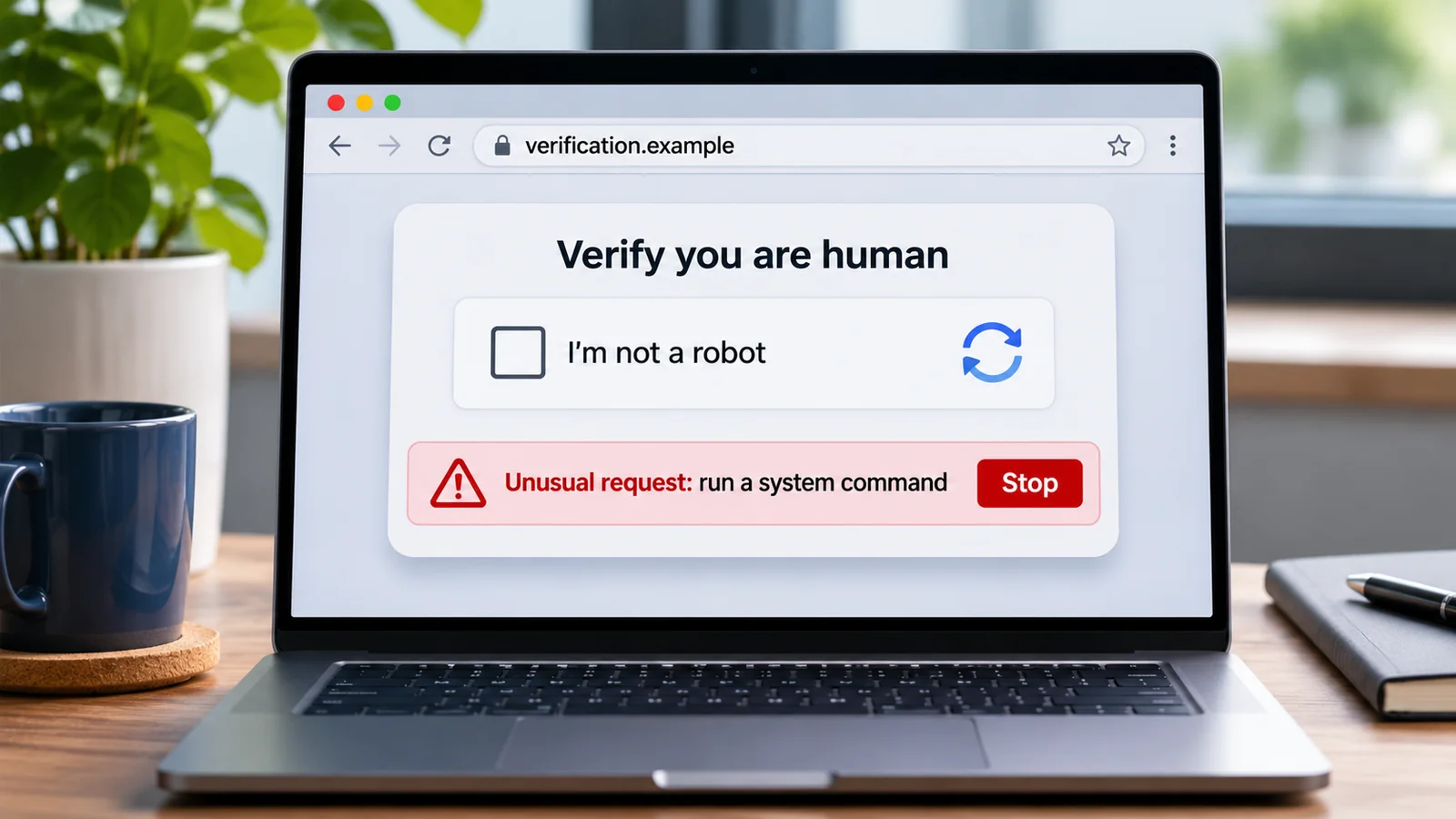
SecurityExplainer
Fake CAPTCHA Scams: How ClickFix Works and How to Stay Safe
Learn how fake CAPTCHA and ClickFix scams trick people into running malware, the warning signs to spot, and recovery steps for Windows and Mac.
Practical guidance for recognizing scams, protecting accounts and recovering safely after fraud or account compromise.
Begin with these practical guides and explainers, then explore the rest of this topic.
Learn how fake CAPTCHA and ClickFix scams trick people into running malware, the warning signs to spot, and recovery steps for Windows and Mac.
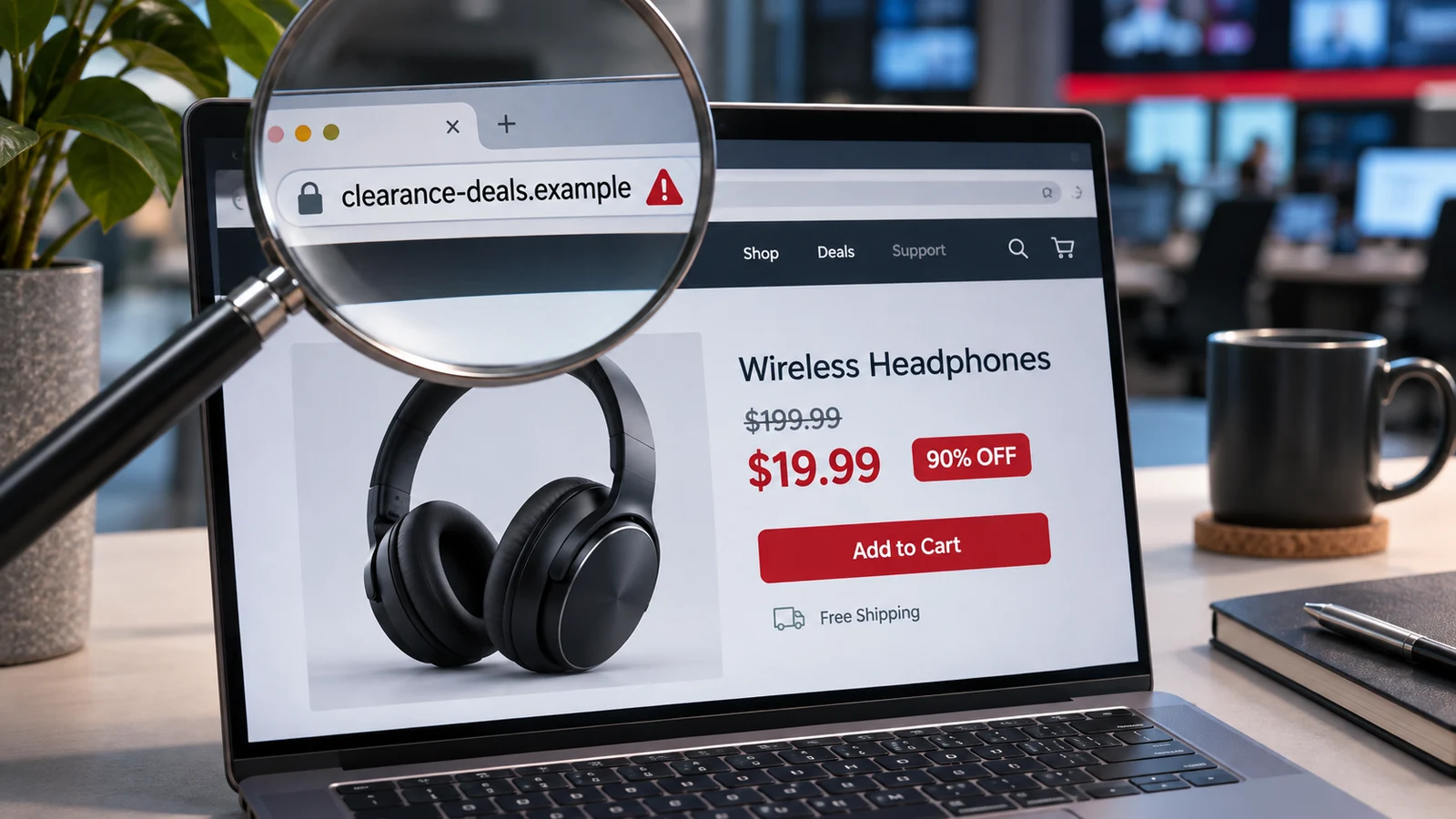
Spot fake online stores with 10 practical checks. Learn how to verify sellers, avoid shopping scams and protect your payment before buying.
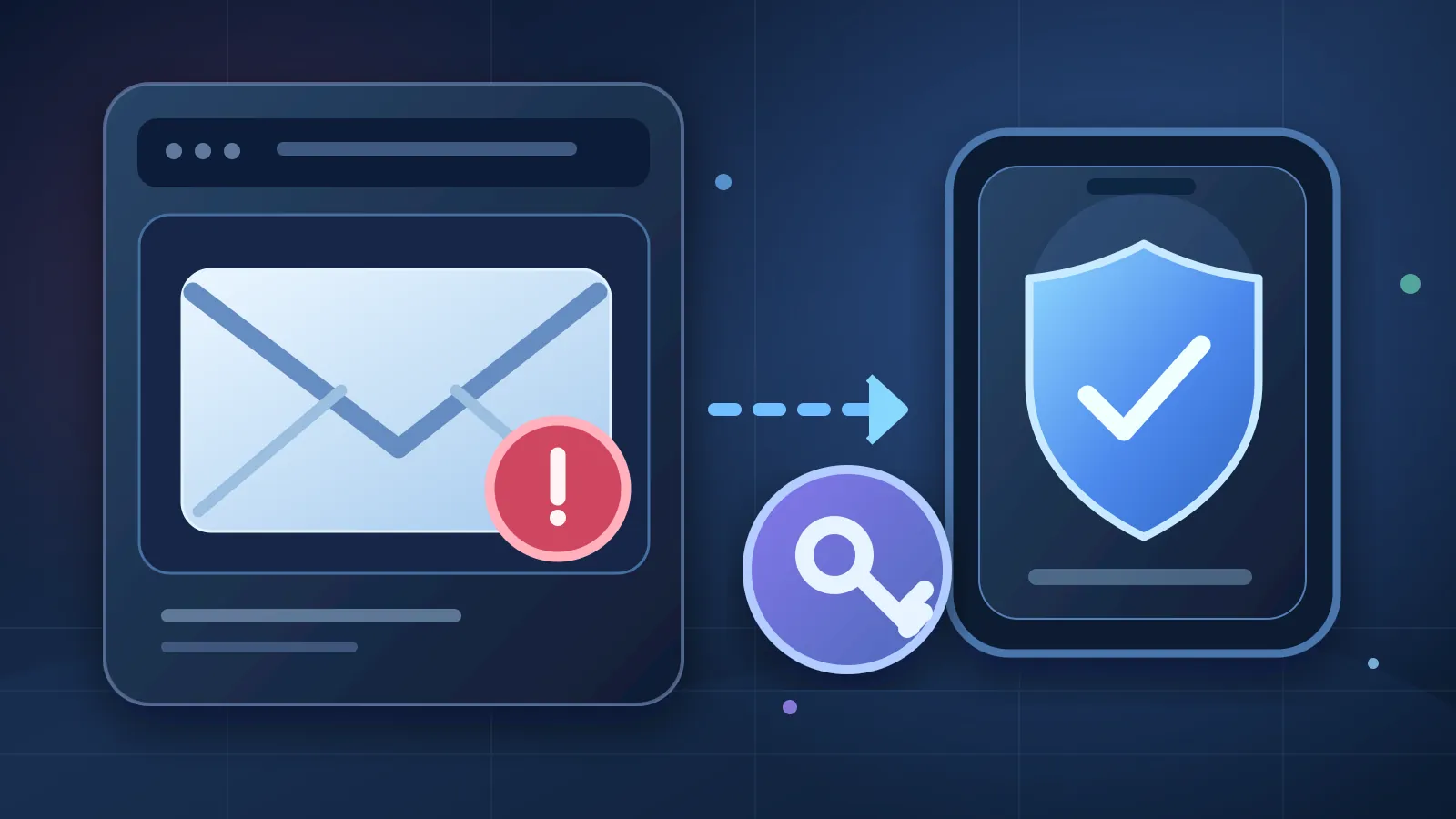
Locked out of Gmail or suspect a hacked Google Account? Follow Google's recovery steps, use safe 2FA alternatives and check devices, forwarding and security settings afterward.

Is Chrome Enhanced Protection better than Standard? Compare phishing and scam protection, privacy trade-offs and data sharing to find the right Chrome setting.

Compare Google passkeys with 2-Step Verification, Authenticator, Google Prompt and security keys, and choose stronger phishing-resistant sign-in.
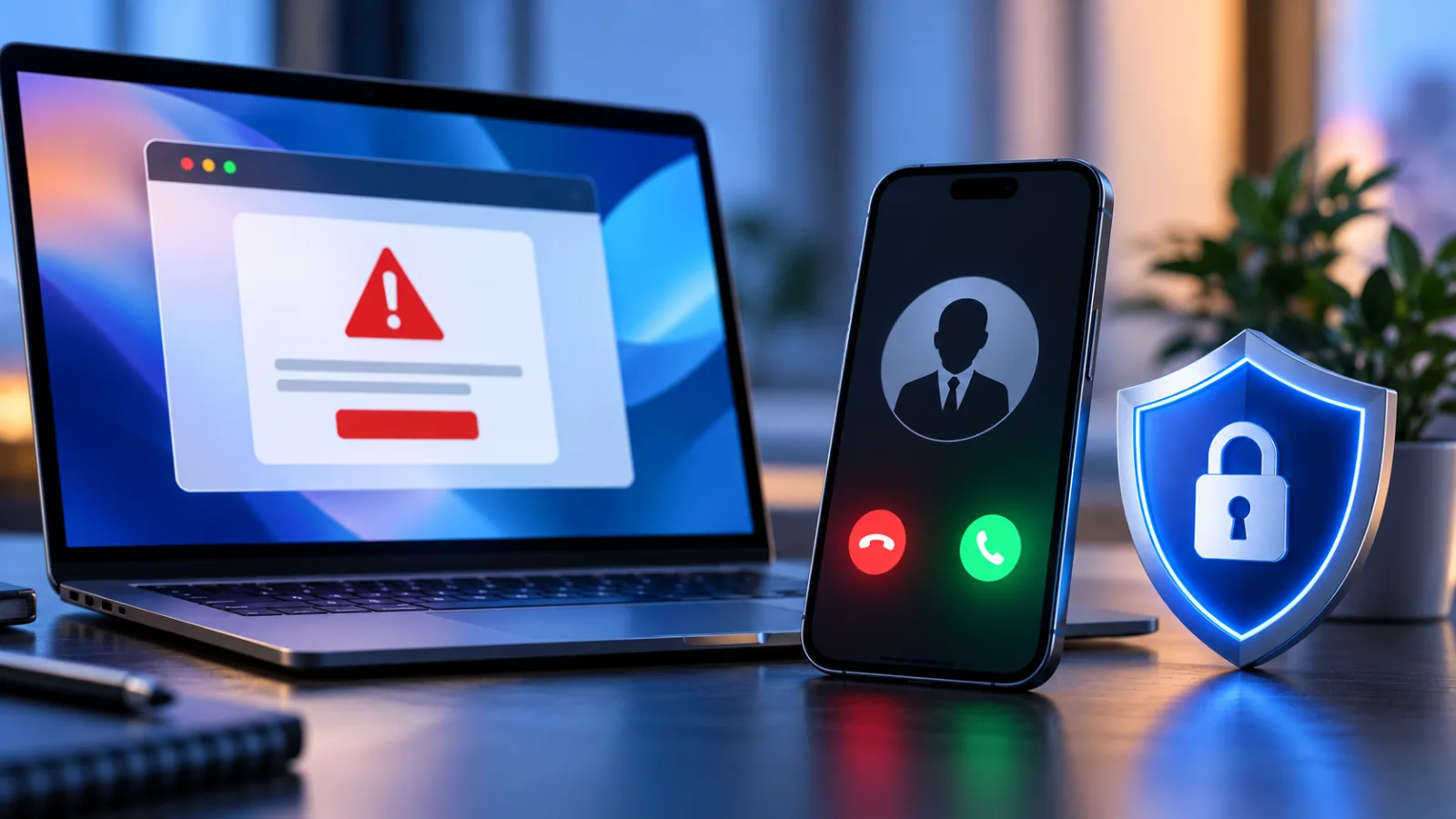
Spot fake tech-support scams before sharing verification codes or installing remote-access apps. Learn safe checks and practical steps if you gave access.
Learn how Pixel Scam Detection checks suspicious chat notifications, what stays on device, where Gboard scam warnings work, and how call protection differs.

AI shopping agents can compare products and increasingly help complete purchases. Here are the scam, fraud, payment and privacy risks to check before giving one buying authority.