
ChatGPT Memory vs Chat History vs Model Training: What Each Setting Actually Does
Learn how ChatGPT Memory, chat history and model training differ, what each switch changes, and how Personalized and Unpersonalized Temporary Chat work.
Careful, step-by-step help for fixing problems, changing settings and moving data safely.

Partner Sharing can copy backed-up Google Photos to another Google Account without downloading everything first—but saving, storage, Locked Folder and missing-content rules matter before you delete the old account.
Read the guideLearn how ChatGPT Memory, chat history and model training differ, what each switch changes, and how Personalized and Unpersonalized Temporary Chat work.

Learn why Google may show an unknown device or session, what its time and location mean, and how to secure your account if the activity is not yours.

Compare Google passkeys with 2-Step Verification, Authenticator, Google Prompt and security keys, and choose stronger phishing-resistant sign-in.

Learn if Google Photos Locked Folder is backed up, what a lost phone or reset can erase, and how to stop private photos and videos from disappearing.

Deleting a ChatGPT chat may leave a separately saved Library file in place. Learn how to find and delete it safely, plus the rules for Temporary Chat.

Learn how to turn off Gemini Memory, delete information learned from past chats, and understand why turning it off does not erase your chat history.

Learn how to stop iCloud Photos syncing without losing photos, and compare Download Photos & Videos, Remove from iPhone, and account-wide deletion.

Spot fake tech-support scams before sharing verification codes or installing remote-access apps. Learn safe checks and practical steps if you gave access.
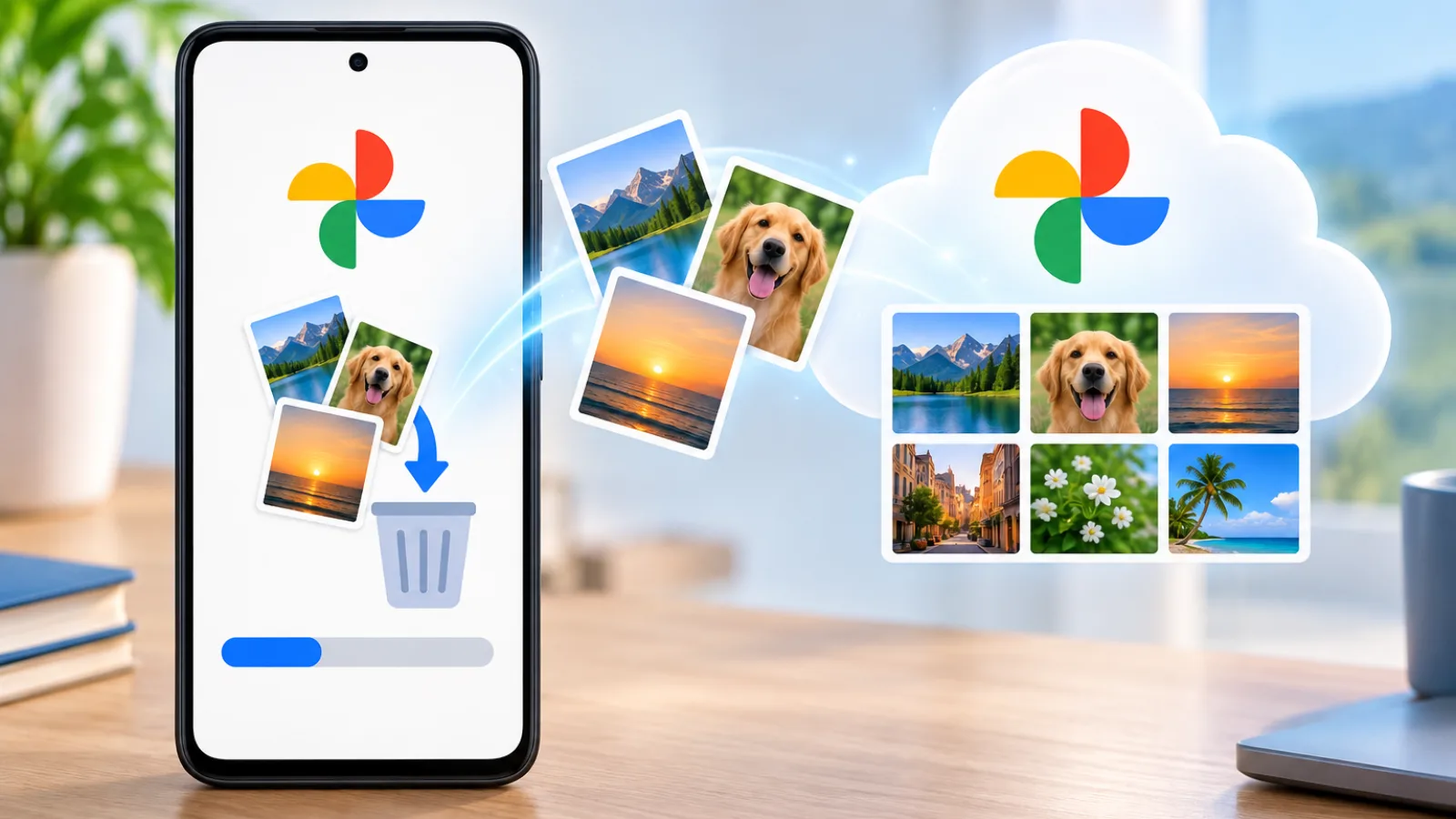
Explain what Google Photos Free up space removes from your phone, what stays backed up in Google Photos, and how to download photos back to your device.

Missing Google Authenticator codes on a new phone? Choose the right sync, transfer or account recovery path, then verify access before retiring the old phone.

Use Google Photos Undo backup on Android carefully: verify phone copies, compare deletion options, and check other devices before removing cloud photos.

Remove third-party Google access safely. Check your login first, understand each connection type, and learn what happens to your account and shared data.